
A parent recently told me she feared for her daughter's safety every single time the girl stepped out the door. She wished there was some way to know where her kid was at any given moment.
I was taken aback. Not because the fear wasn't valid — it absolutely is — but because for me, that anxiety was already settled a while back.
I had simply stopped worrying once I had the tools in place.
Here's what works for me, why it works, and what else is out there if you want to build your own system.
WHAT I USE — AND WHY IT WORKS
I run a three-layer setup. Not because I'm paranoid, but because each tool does something different.
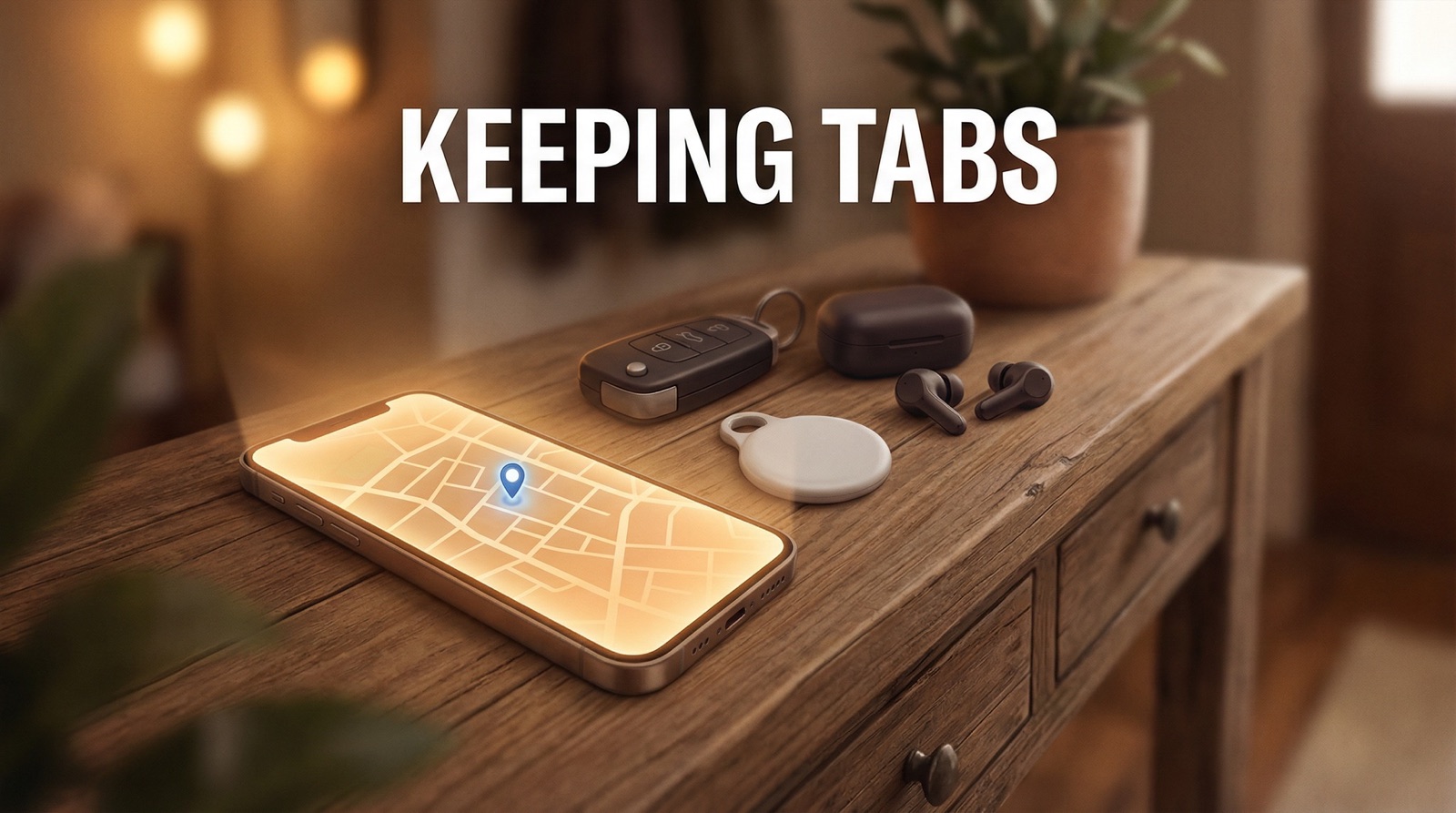
Apple AirTag on my daughter's car and person.
The AirTag 2 is now available in the Philippines for around PHP 1,990.
Small enough to tuck into a bag, a car console, or a lanyard.
It pairs with the Find My app and pings location through Apple's network — which, given how many iPhone users there are, is surprisingly dense coverage.
Battery lasts over a year. It's one of those things you set up once and forget about.
One thing worth knowing: Apple built an anti-stalking alert directly into the AirTag.
If an AirTag that isn't registered to you has been traveling with you for a period of time, your iPhone will notify you.
Android users aren't left out either — Apple released a Tracker Detect app for Android specifically for this purpose.
It's a safeguard that cuts both ways.
For parents, it means if someone slips a tag onto your kid without consent, your kid's phone — or yours — will flag it.
One caveat: AirTags rely on nearby Apple devices to update location. In areas with fewer Apple users, updates can be delayed or spotty. It's a passive tracker — it doesn't call for help, it doesn't send an SOS, and it doesn't geofence.
But as an item tracker that happens to work for peace of mind? It does the job.
Apple Find My for day-to-day location sharing.
If you and your kid are both on iPhone, Find My through Family Sharing is the simplest setup possible.
You turn on Location Sharing in Family settings, and everyone who opts in appears on a shared map.
There's no subscription. No extra app.
The tradeoff is that there is a delay. It's not real-time in the way you might expect.
You'll check the app and see where they were a few minutes ago, not necessarily where they are right now.
For most situations, that's fine. For high-anxiety moments, it might not be enough.
Life360 for real-time, family-wide tracking. This is the most accurate of the three.
It runs in the background and updates location in near real-time.
You can set up alerts for when someone arrives at or leaves a specific place — school, home, a friend's house.
You can track driving behavior, check location history, and receive crash detection alerts.
One thing worth being clear about upfront: Life360 is a two-way street.
They know your location as much as you know theirs.
If you add your whole family to a circle — which is the point of the app — everyone in that circle can see everyone else.
That's not a bug, that's the design. It builds accountability, not just surveillance.
The free tier is genuinely usable.
The Silver plan — which gives you 7 days of location history, five place alerts, crash detection, and SOS alerts — runs around $9.99/month or $79.99/year.
Gold and Platinum add emergency dispatch, roadside assistance, and identity theft protection.
Only one family member needs a paid plan for the whole circle to benefit from its features.
The cost is minimal if it means you'll sleep better at night.
Now here's the thing. My daughter knows about every single one of these setups. She put them in place with us.
Like me, she is a security and safety advocate — so she has no problem with me tracking her.
If anything, she welcomes it. And beyond all the apps and tags, she sends me and my wife constant updates when she's out: photos, videos, voice notes.
The tech is a safety net. Her communication is the reassurance on top of it.
That combination — tools plus trust — is what actually makes the difference.
AIRTAG ALTERNATIVES: OTHER TRACKERS WORTH KNOWING
The AirTag is not the only game in town. Several brands make solid trackers that work similarly — some even more affordable, and some that cross the Apple-Android divide.
And all of them now carry the same anti-stalking alert standard: if someone slips an unknown tracker onto your child, their phone will flag it.
Tile by Life360.
This is the most well-known AirTag alternative — and here's a fun fact: Tile is owned by the same company behind Life360.
It works on both iOS and Android, which is its biggest edge over AirTags.
The Tile Mate starts at around $24.99, while the Tile Pro goes for around $35, with a claimed Bluetooth range of up to 400 feet.
Its detection network spans over 70 million devices.
Good news for us locally: Tile is available in the Philippines through Shopee and Lazada, with the Tile Mate going for around PHP 1,490.
The tradeoff is that Tile's network is smaller than Apple's, and it lacks the ultra-wideband precision that AirTag uses for close-range finding. But for Android users, it is genuinely the best cross-platform option out there.
UGREEN FineTrack.
UGREEN is better known for cables and chargers, but their FineTrack Smart Finder has turned heads as a budget-friendly AirTag alternative. It plugs into Apple's Find My network — so it works with the same vast iPhone detection system — and costs around $12 to $20.
It has a built-in keyring hole (something Apple's AirTag doesn't have without buying a separate accessory), a loud speaker, and up to two years of battery life.
The downside is no Precision Finding — you won't get that close-range directional arrow pointing you to your item the way AirTag does.
But at half the price, it's a compelling option if you want more trackers without spending AirTag prices on each one.
Chipolo Pop.
If your family switches between Apple and Android, Chipolo is worth a look.
The Chipolo Pop at around $29 is compatible with both Apple's Find My and Google's Find Hub networks — that's rare, since most trackers pick a side.
Battery is a replaceable CR2032, it's water resistant, and it has one of the louder alarms in its class.
The downside is that real-world Bluetooth range in tests came in much shorter than the advertised 300 feet.
Pebblebee Clip.
Pebblebee targets Android users directly and was one of the first brands on Google's Find Hub network.
The Gen 5 Clip at around $35 has a rechargeable battery, built-in LED lights, and works across both Google and Apple networks.
It's especially useful for families where some members use iPhones and others use Android.
The main limitation is that Google's Find Hub detection network is still smaller than Apple's, so it works best in more densely populated areas.
THE APPS THAT GO WITH THE TAGS
The trackers above are passive tools — they tell you where something is. But layering them with dedicated tracking apps gives you a fuller picture.
Google Family Link is the Android equivalent of Apple Find My — and it's free. It lets parents approve app downloads, set screen time limits, filter YouTube and Google Search content, and track a child's real-time location on a map.
The catch is that once your child turns 13, they can disable supervision.
It won't give you the depth Life360 does, but for Android parents on zero budget, it's a solid start.
Samsung SmartThings Find is built into most Galaxy devices and lets you track phones, tablets, watches, and earbuds on a shared map.
It works even when devices are offline using Samsung's own network as detection nodes. It's free, no subscription required — just ecosystem-locked to Samsung.
GPS Kids Smartwatches are worth considering if your child doesn't carry a phone yet.
These combine location tracking, two-way voice or video calls, SOS buttons, and geofencing in a single wearable.
The Xiaomi Smart Kids Watch, for instance, uses GPS, Glonass, Wi-Fi, and AI positioning, and lets parents set safe zones with entry and exit alerts.
Budget-friendly options in the local market start at around PHP 1,000. The key advantage over a passive tag is that a smartwatch is an active device — your child can reach out if something goes wrong.
THE REAL TALK ABOUT PRIVACY AND TRUST
These tools work best when they're not secrets. Telling your kid that you're tracking them — and explaining why — is not a weakness. It's parenting with integrity.
Life360 explicitly operates on mutual visibility. Parents who use it know their kids can also see them.
That kind of transparency actually builds more trust than covert monitoring.
If a teen knows the phone is being tracked, they're less likely to feel surveilled and more likely to feel secured.
Experts note that installing invasive software on a child's device without their knowledge can be counterproductive — a curious child can work around most restrictions, and the breach of trust often does more damage than whatever risk you were trying to prevent.
The recommendation is to use native OS tools as a foundation, and layer on location-sharing apps with the child's knowledge and buy-in.
The tools exist. They are affordable, accessible, and in most cases already on your phone.
The conversation you have about them is just as important.
SOURCES
- ZDNET — Best GPS Trackers for Kids 2026, https://zdnet.com/article/best-gps-trackers-and-devices-for-kids/
- SafeWise — Life360 Review, https://safewise.com/au/life360-review/
- The Verge — How to Track Family on iPhone, https://theverge.com/24051550/iphone-apple-location-track-how-to
- FindMyKids — AirTag for Kids Review, https://findmykids.org/blog/en/air-tags-for-kids
- GizGuide PH — Apple AirTag 2 PH Price, https://gizguide.com/2026/01/apple-air-tag-2-ph-price.html
- Apple Support — Find My Location Sharing, https://support.apple.com/guide/iphone/share-locations-family-locate-lost-devices
- PCMag — Tile Mate Review 2026, https://au.pcmag.com/pet-trackers/107396/tile-mate-2024
- 9to5Toys — UGREEN Finder Tag Review, https://9to5toys.com/2025/04/10/tested-ugreen-finder-tag-budget-friendly-airtag-alternative/
- HowToGeek — UGREEN FineTrack Review, https://howtogeek.com/ugreen-finetrack-slim-review/
- Tom's Guide — Chipolo Pop Review, https://tomsguide.com/tech/chipolo-pop-review
- 9to5Google — Pebblebee Gen 5 Trackers, https://9to5google.com/2025/11/14/pebblebee-android-find-hub-gen-5-trackers/
- Engadget — Best Bluetooth Trackers 2026, https://engadget.com/computing/accessories/best-bluetooth-tracker
- Greentelcom PH — Tile Philippines, https://greentelcom.ph/brand/tile/
- SafetyDetectives — Google Family Link Review, https://safetydetectives.com/best-parental-control/google-family-link/
- Samsung — SmartThings Find, https://samsung.com/us/support/answer/ANS10003601/
- Xiaomi Smart Kids Watch PH, https://mi.com/ph/product/xiaomi-smart-kids-watch/
- YouTube — Best Budget GPS Smartwatch PH, https://youtube.com/watch?v=86JRxqU5oWk
- PCMag — Best Parental Control Software 2026, https://pcmag.com/picks/the-best-parental-control-software